
One weekly board. One link the crew actually reads.

Add your roster, drag the week, publish. Most venues send their first real link the same day they sign up.

Free up to 10 staff, always · No credit card · Live in minutes · No forced setup

  • $0for teams up to 10 staff — always free
  • 3–5 htypical manager time on scheduling per week
  • $29Solo plan — vs $200–400+/mo for enterprise schedulers
  • < 10 minto first published week on a new roster

Three moves. Live in minutes.

No rollout, no training deck, no mandatory settings. Most venues publish their first real week the same day they sign up.

  1. Step 1~5 min

    Drop in your roster

    Servers, bar, kitchen — names and teams on one list. Not twelve tabs and a group chat.

    Roster ready

  2. Step 2Same day

    Build and publish the week

    Drag shifts, spot gaps, hit publish. The crew opens a link — no installs, no screenshot thread.

    Crew has tonight's plan

  3. Step 3When life happens

    Swap once, not in three chats

    Sick call at 4 PM? Move the shift on the board. The link you already sent stays current.

    One source of truth

Free up to 10 staff, always · same flow on every plan

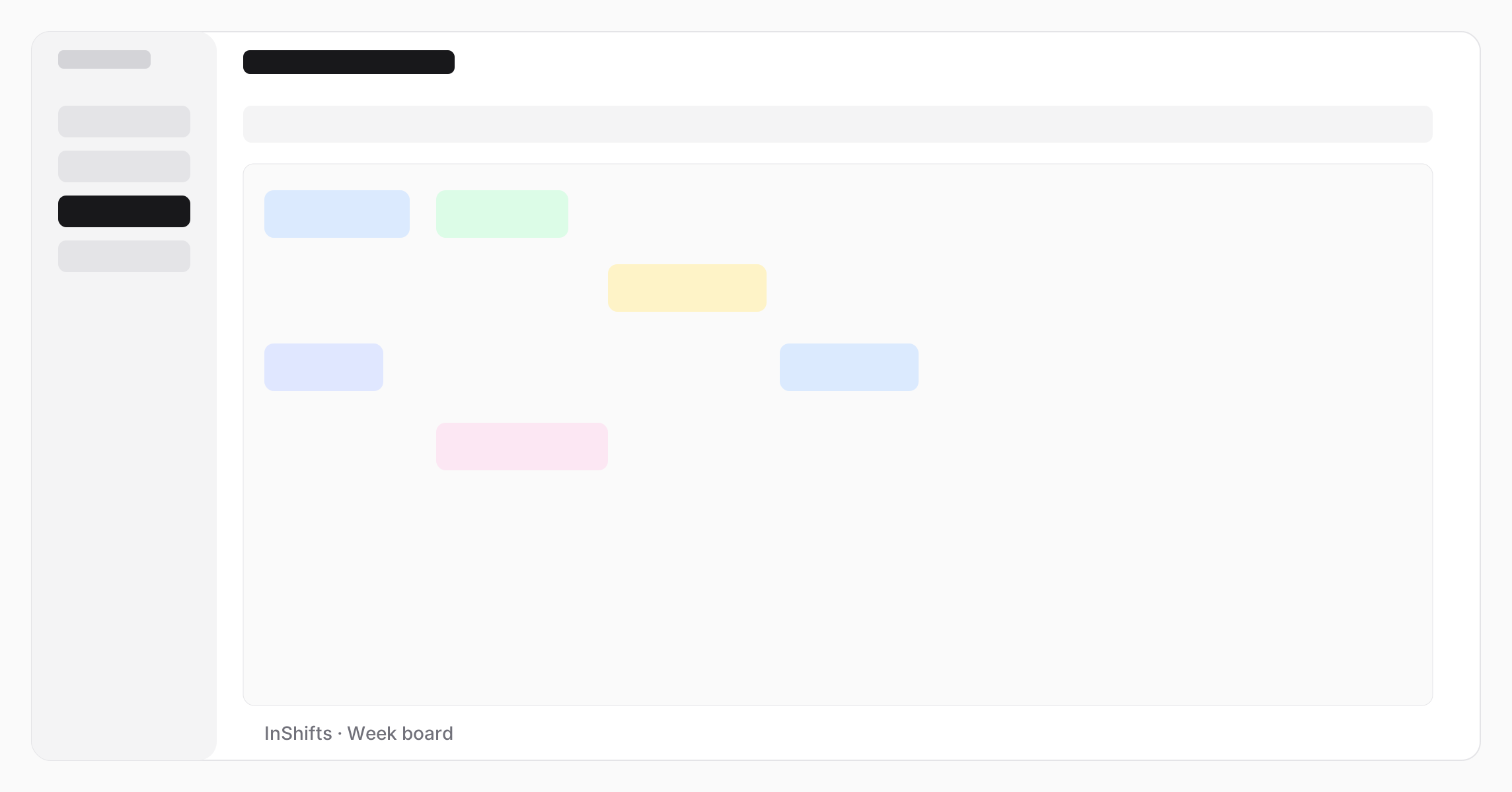
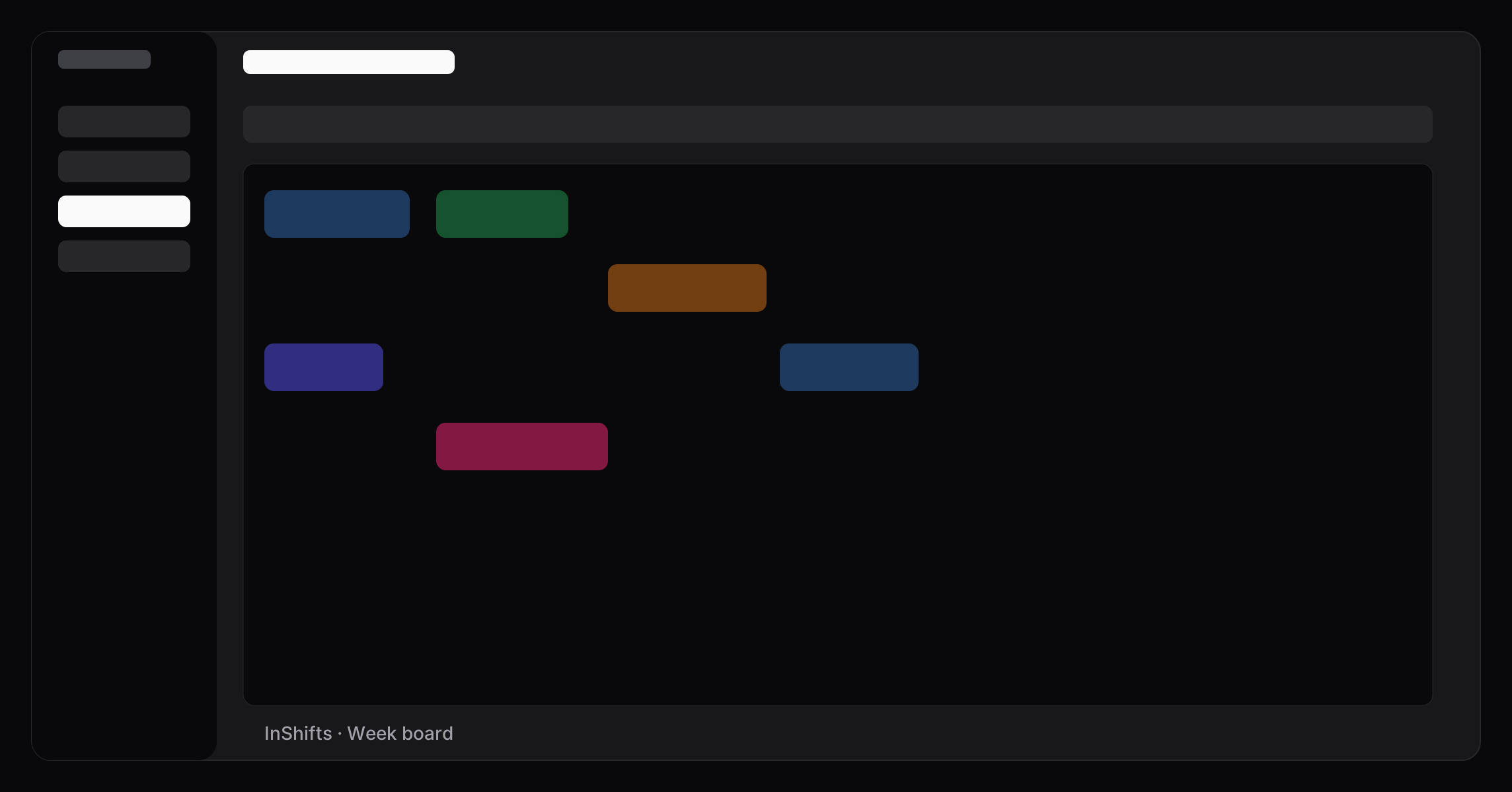
InShifts week board — drag shifts across people and days
Product features

Every shift of the week, planned fast and shared clearly.

Board, publish, and coverage on day one. Expand for portal, overview, and more when you need them.

Week boardFor managers

One board for the whole week

Drag shifts across people and days, with no copy-paste cells. Filter by Floor, Bar, or Kitchen. Switch to By person when you need hours per name. Templates and saved weeks are there when you want them, not on day one.

Drag the week · filter by team · publish when ready
Publish & shareManager → floor

Publish once. Crew reads the same plan.

One staff link for the floor: read-only, always current after you republish. Diff preview before you send. Print the week or export CSV for the back office.

One link · republish with diff · no login for crew
Coverage rulesFor managers

See gaps before the rush hits

Set minimum headcount per team and time window, for example two on Floor from 5 PM on Friday. The day heatmap flags understaffed slots in red and shows gap minutes at a glance.

Red heatmap · gap minutes before service

Your crew is asking who's on tonight. Answer once on one board

Publish a read-only week link. Staff open it on their phone. No group chat, no screenshot thread.

No card · 10 staff free forever

Clear plans, free up to 10 staff, always

Less than a single scheduling mistake on a busy night. Flat price for the whole crew — not per seat, not HR modules you will not open.

Solo annual works out to about $0.76/day — under a manager hour per month if InShifts saves you even an hour a week.

Email support on every plan · Multi includes a faster response target · Cancel anytime · No per-seat fees · 4+ locations? Contact us

Billing FAQ on the pricing page

Frequently asked questions

Straight answers for owners and managers running a small floor.

We already use Excel — when should we switch?
If one spreadsheet works and nobody loses time, keep it. Switch when you have multiple versions, last-minute swaps create stress, or the floor keeps asking who is on tonight.
Does everyone on the team need an account?
No. Publish a read-only week link for the crew, print for the back office, or share individual staff portal links — managers edit; staff read what you share.
Do I have to configure everything?
No. Add your roster and drag the week — that can be the entire setup. Coverage rules, templates, hour targets, rest between shifts, overtime hints, and week limits are optional toggles. Enable one at a time, or none.
Does it work on a manager phone?
Yes — the UI is responsive. For a dense week, a tablet or laptop is usually faster; many managers build on a laptop and share the link to phones.
Why is InShifts cheaper than big schedulers?
Enterprise tools are priced as all-in-one HR platforms — payroll, clock-in, recruiting, compliance. InShifts is one weekly board with optional depth. Free up to 10 staff is permanent, not a trial.
Can we leave if it is not a fit?
Yes. Stop anytime — Free has no contract and no card on file. When paid billing is live, you can cancel paid plans the same way. If it's not a fit, walk away; we're not building lock-in.
Build this week's board before Sunday night

Start free — roster, drag, publish. When you outgrow ten people, Solo unlocks in two clicks on the same board.

No card · 10 staff free forever · Cancel anytime on paid plans